KNURL
The racing dashboard that feels like hardware
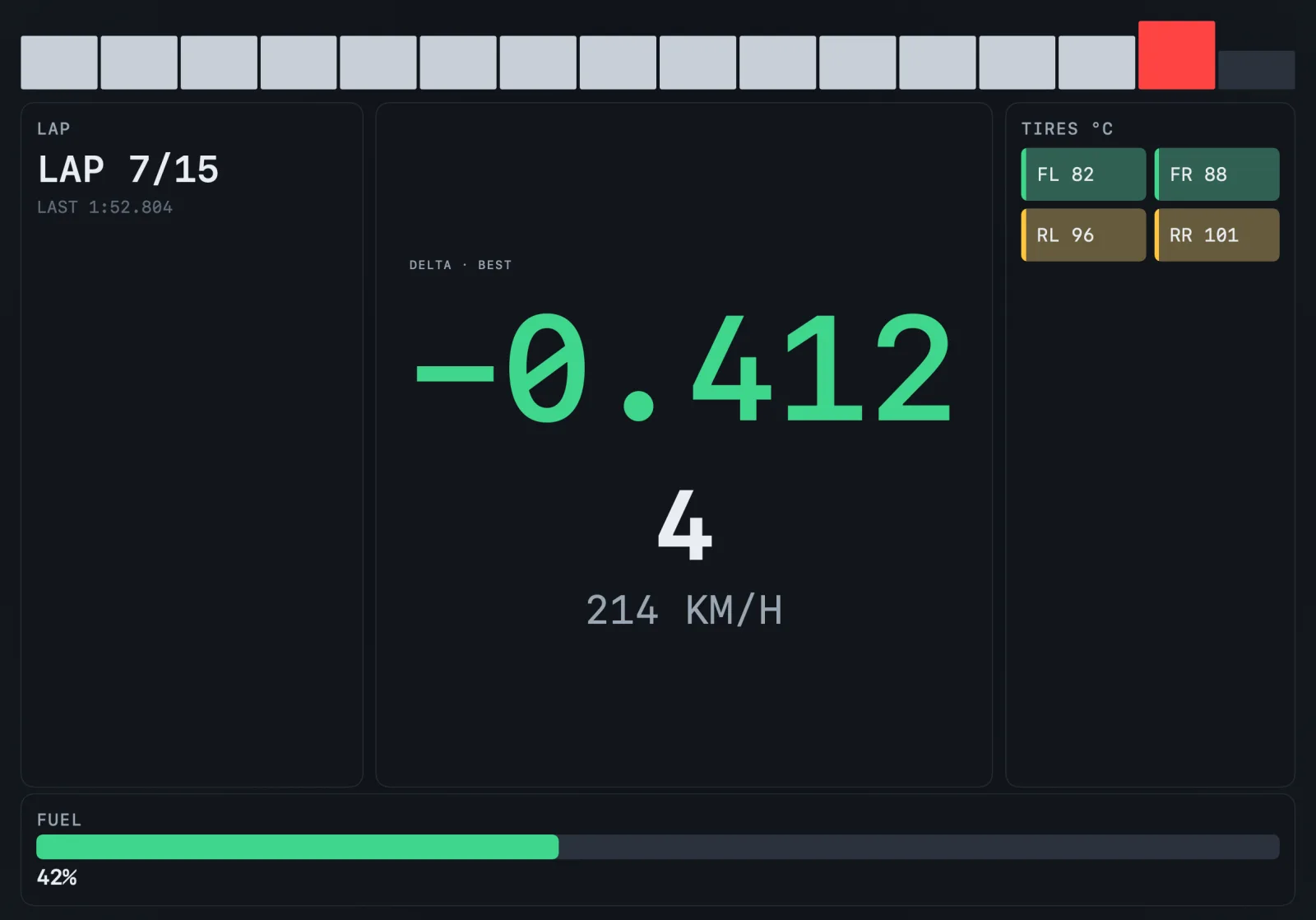
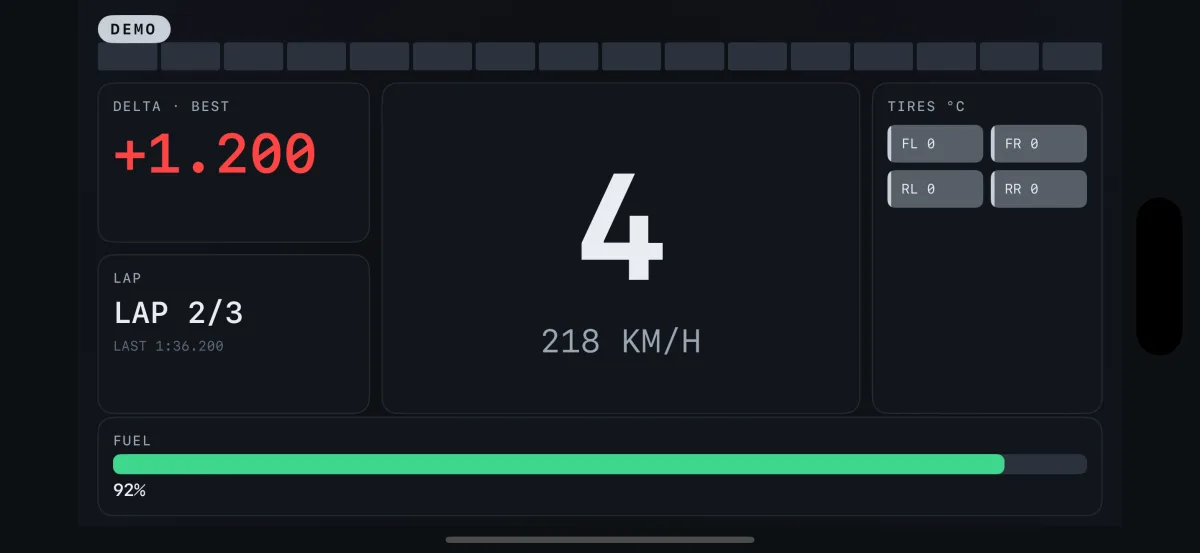
Knurl turns your iPhone or iPad into a machined telemetry instrument for your racing setup, on a wheel or a controller. Works with Gran Turismo 7 on PS5 and PS4 over your home network. No account, no cloud, no subscription.

- 60 Hz
- Telemetry stream
- 60 fps
- Locked to the stream
- 0
- Accounts, ever
- 1
- Unlock, forever
Six faces, one instrument
Race
ProThe full instrument cluster for wheel-to-wheel driving.
Fuel
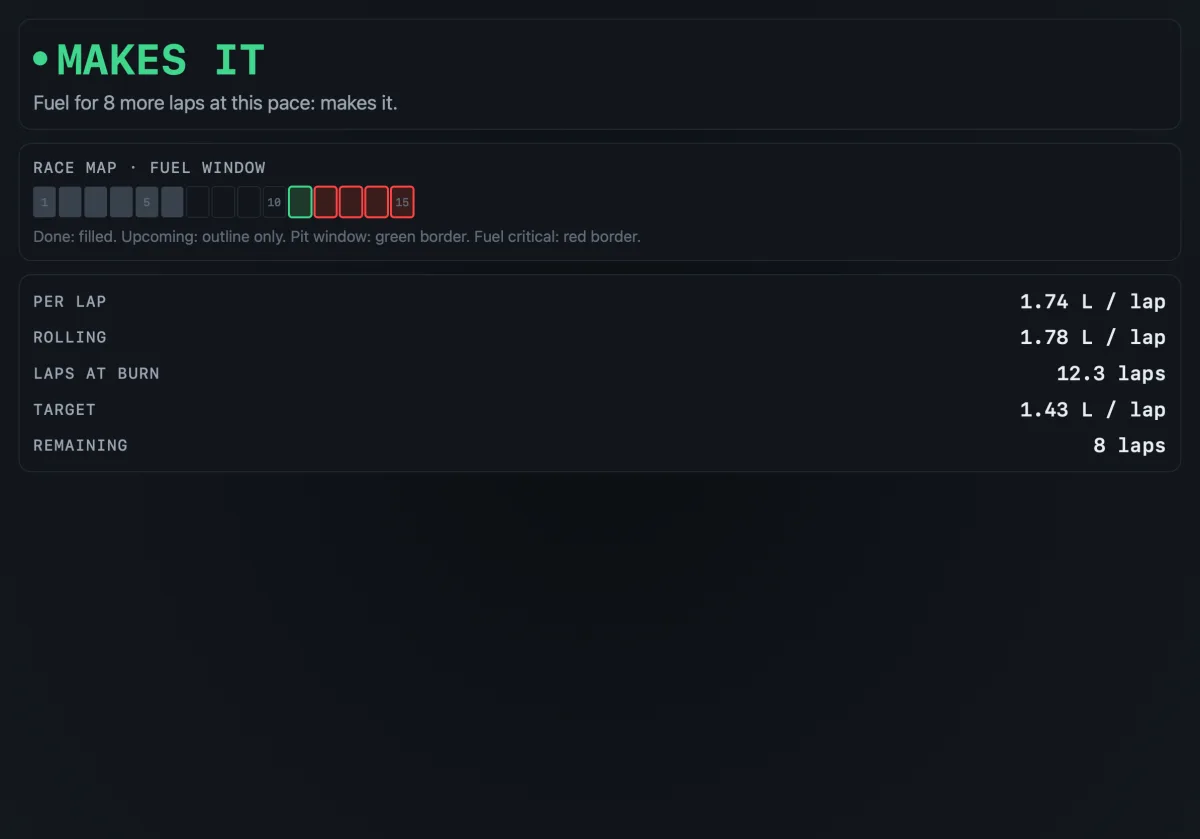
ProConsumption, laps remaining, and an honest can-you-make-it call.
Minimal
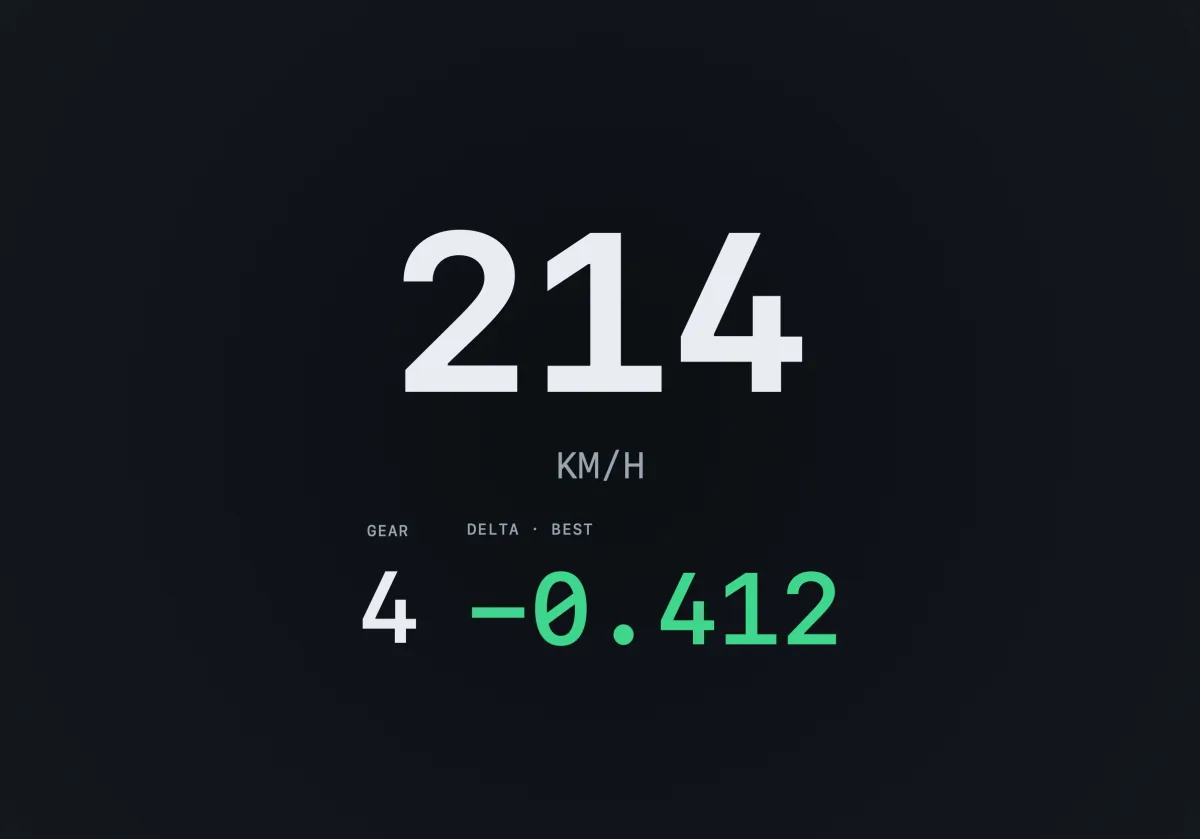
FreeSpeed, gear, and delta, nothing else.
Lap Compare
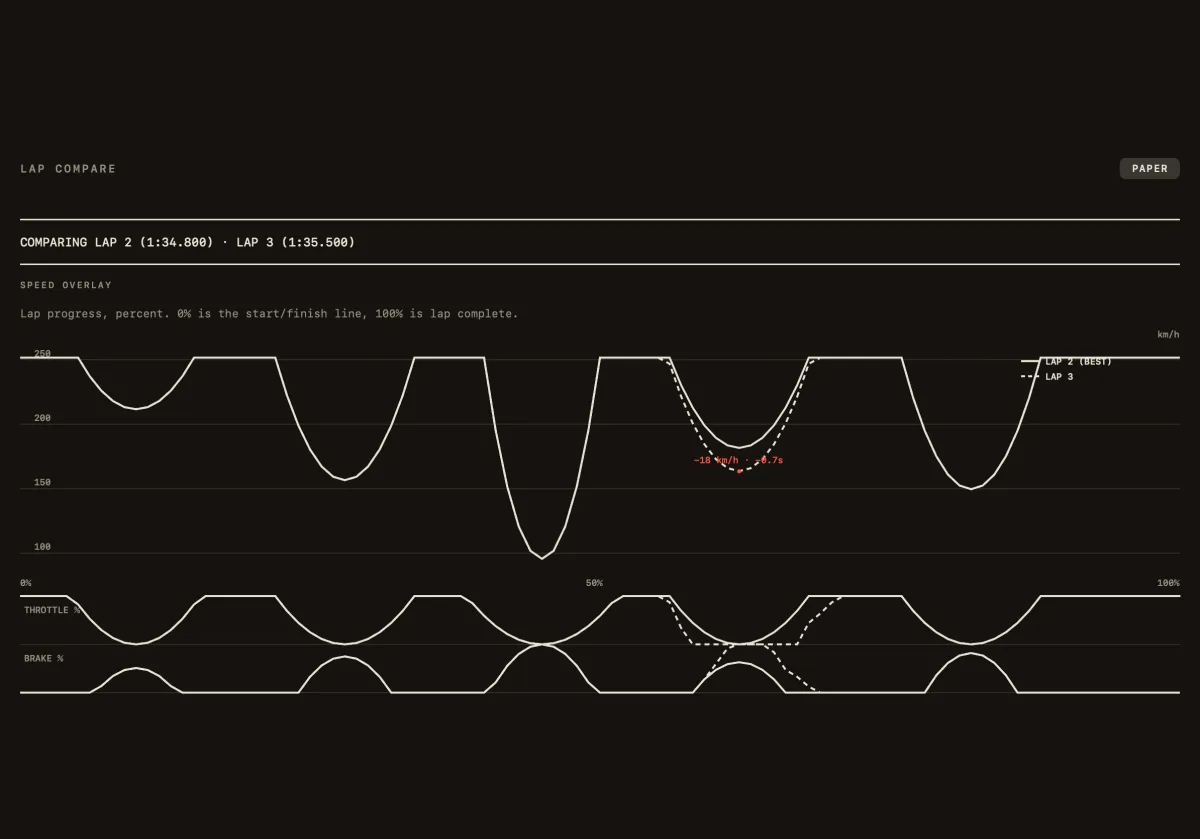
ProTwo laps overlaid: speed, throttle, and brake, with the slower corner marked. See where you lost the lap, not just how fast.
Connect
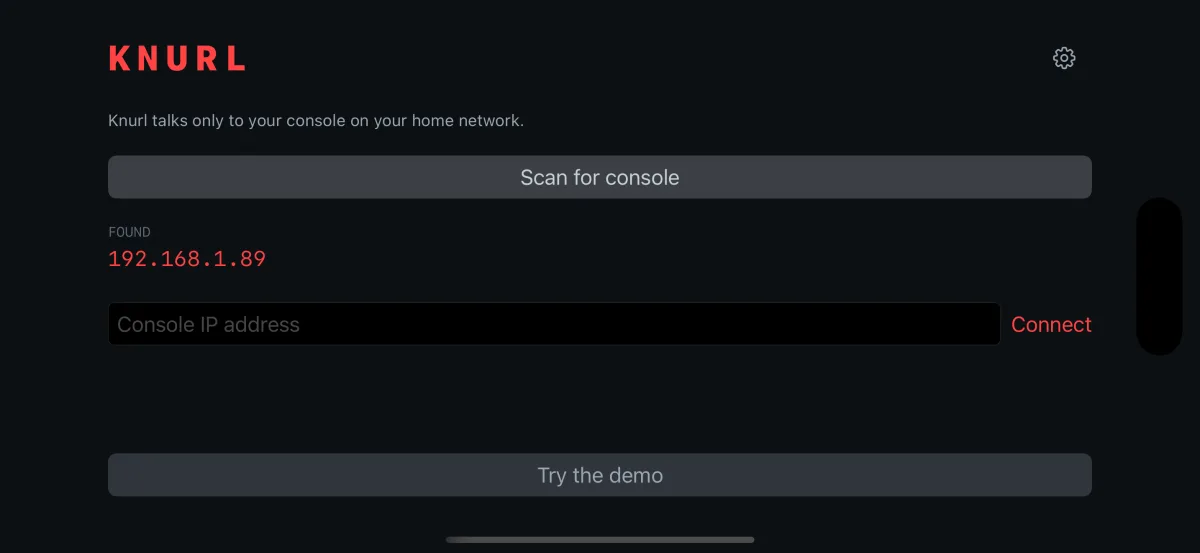
FreeScan for your console or type its IP. No pairing code, no account.
Session Review
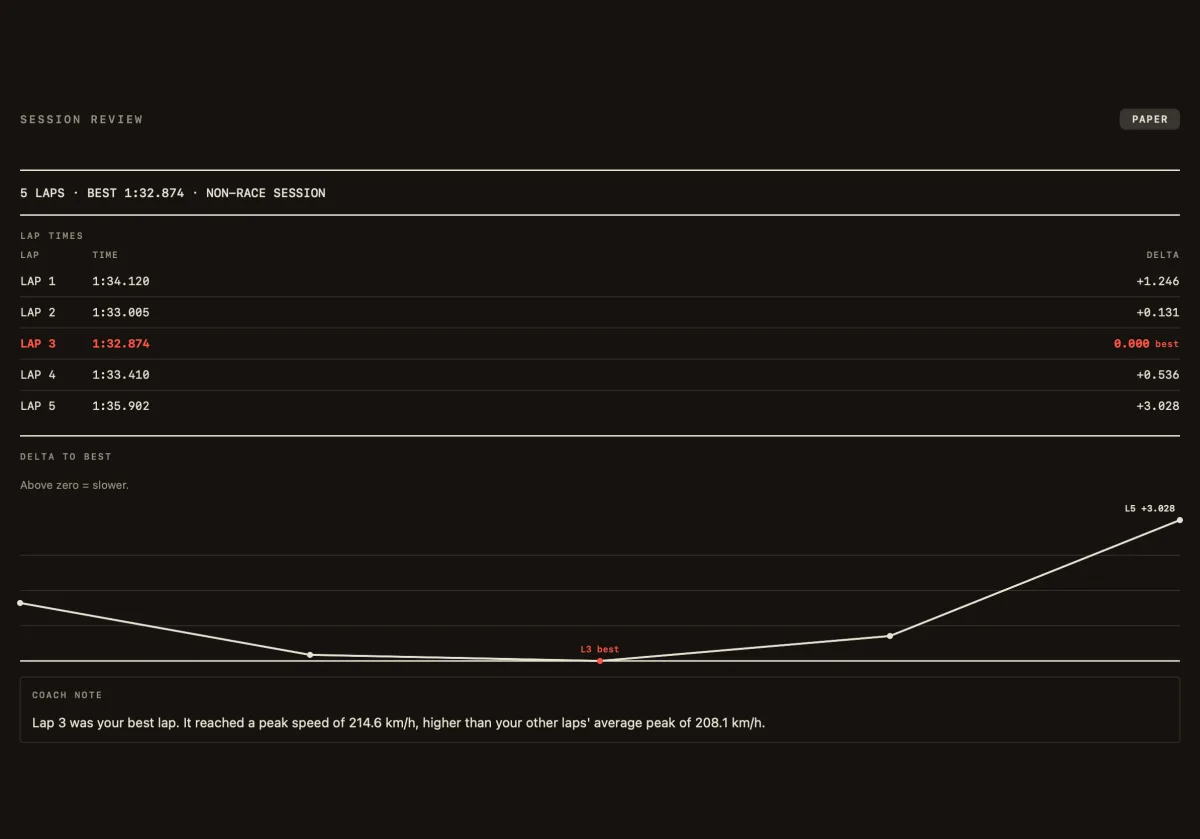
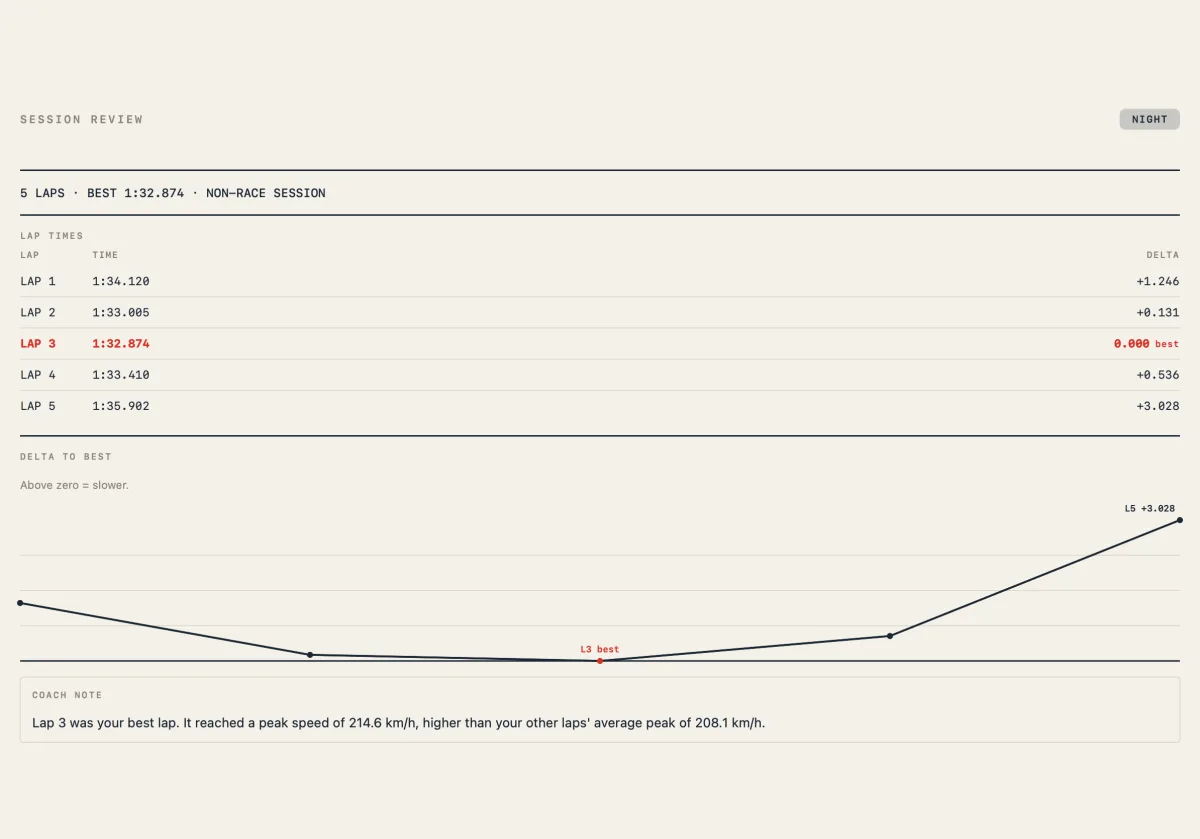
ProThe engineer's timing sheet after you park: lap tables and a print-style export, in night and paper palettes.
In detail
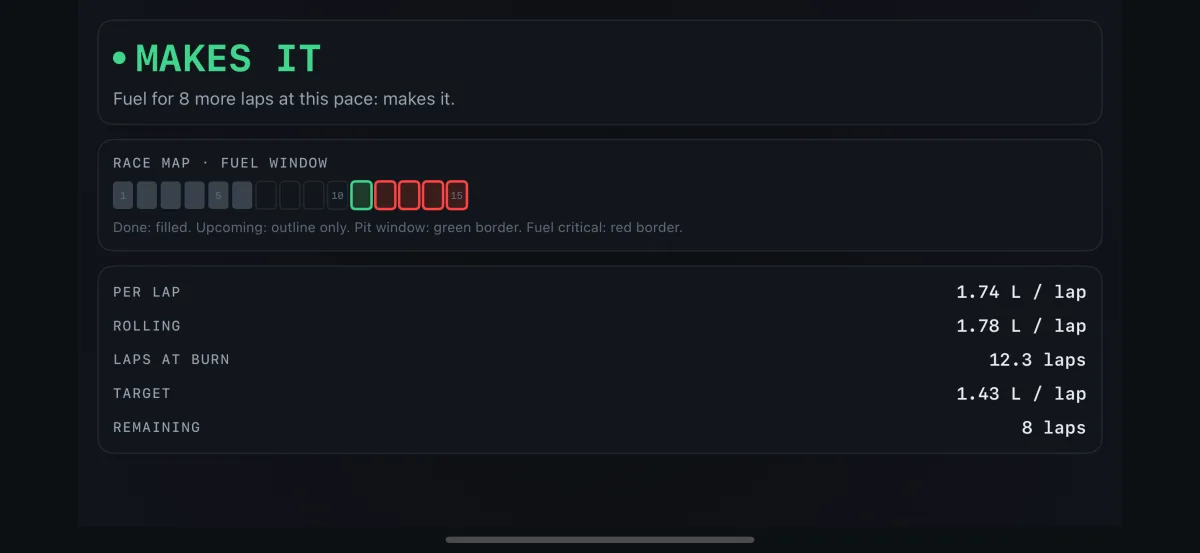
Fuel
ProStrategy with opinions
Rolling burn rate, laps remaining at current pace, target-lap math, and a pit-window hint that ends in a plain answer, not a chart to interpret.
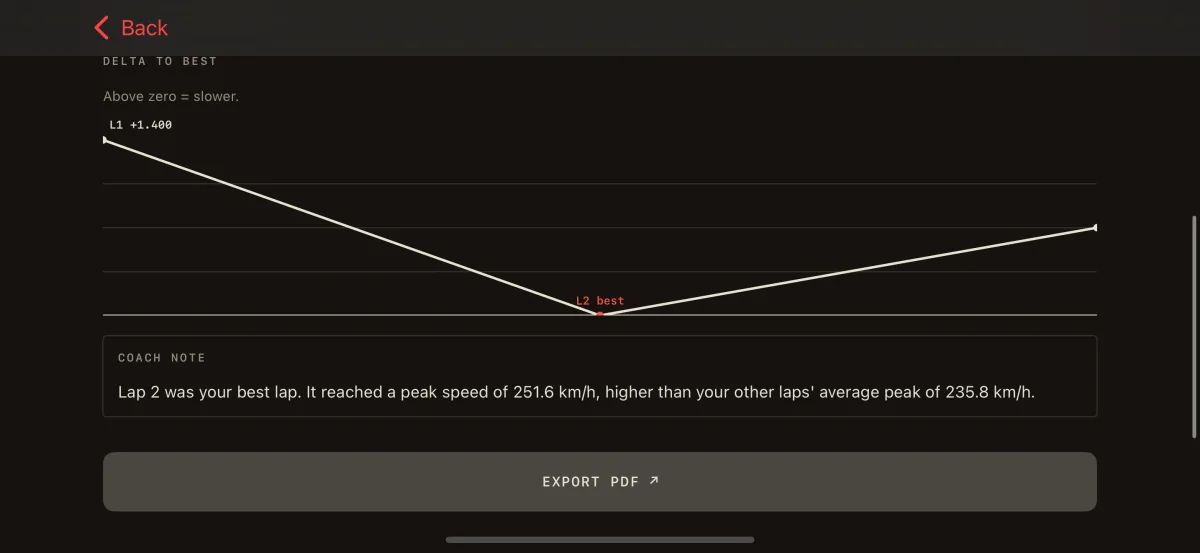
Session Review
ProRead it like an engineer
See exactly which corner cost you the lap. After the stint it turns your session into a timing sheet: lap tables, a plain-English coach note, and a print-style export for your team chat.
Instrument grade
A rock-steady 60 fps, locked to the console's 60 Hz telemetry, with zero jank. No invented in-between frames: every update on screen is a real reading from the game. Gauges drawn like machined hardware, not phone UI.
Private by design
Your console and your screen, nothing else. The app talks only to your console on your home network: no account, no cloud, no analytics, ever.
Free tier that stays free
Connect, the Minimal dash, and lap timing are free forever. One lifetime unlock adds the full Race cluster and the strategy layouts. No subscription, never.
Try it with no console
Demo mode replays a real lap so you can feel the instrument before you ever connect.
Lap timing that respects the stint
Live lap, last lap, best lap, and delta to best. A session log with fuel per lap that survives app restarts and clears only when you say so.
Feels like hardware
Purposeful haptics on iPhone, a rev limiter you can feel, and gauges that never smooth away a gear change. When in doubt, we do less, better.
How it works
- 1Start the game on your console
- 2Open Knurl on the same Wi-Fi
- 3Race. The dash finds your console and lights up.
Works with Gran Turismo 7 on PS5 and PS4 over your home network.
Questions
What do I need to use Knurl?
An iPhone or iPad, and your console on the same Wi-Fi network. No PC, no bridge, no cables. It works the same whether you drive on a wheel or a controller.
What is the delta number?
It’s the number that tells you, at a glance, whether you’re ahead of or behind your best lap so far: green means you’re faster, red means you’re slower. It’s the quickest way to know if a change actually made you quicker.
I already have a telemetry dashboard. Why Knurl?
Most options want a PC, a companion app, or fiddly setup. Knurl runs straight on the iPhone or iPad you already own, finds the console itself, and answers in plain language: an honest can-you-make-it fuel call and where you lost the lap, not charts to read at speed. And nothing ever leaves your home network.
Which console and game does it work with?
Works with Gran Turismo 7 on PS5 and PS4 over your home network.
What's free, and what costs money?
Connect, the Minimal dash (speed, gear, and delta), and lap timing are free forever. A single one-time lifetime unlock adds the full Race instrument cluster and the strategy layouts. No subscription, ever.
Is my data private?
Yes. Knurl talks only to your console on your home network. No account, no cloud, no analytics, no tracking of any kind.
Do I have to set up my network?
No. Knurl scans for your console automatically; you can also type its IP address by hand. Start the game, open Knurl on the same Wi-Fi, and it connects.
Can I try it without a console?
Yes. Demo mode replays a real recorded lap so you can feel the instrument before you ever connect.
Is it usable if I'm color-blind?
Yes. Status never rides on color alone; every state also changes shape or label, so the dash stays readable if you're red-green color-blind.
Built by one person who cares about frame times.
Knurl is in final review for the App Store. Leave your email and I'll tell you the day it's live.